01
Length
Choose a 12–230 ms window. Length shapes the rolling sound even with Loop off: match it when comparing different settings.
Rare Data / completely free
Catch a tiny piece of sound. Send it forward, slow it down or pull it backward. Three controls turn a simple loop into an instrument.
Available now for desktop and the supported Force setup through Rare Data HQ 1.1.3. iPhone and iPad are waiting for Apple review.
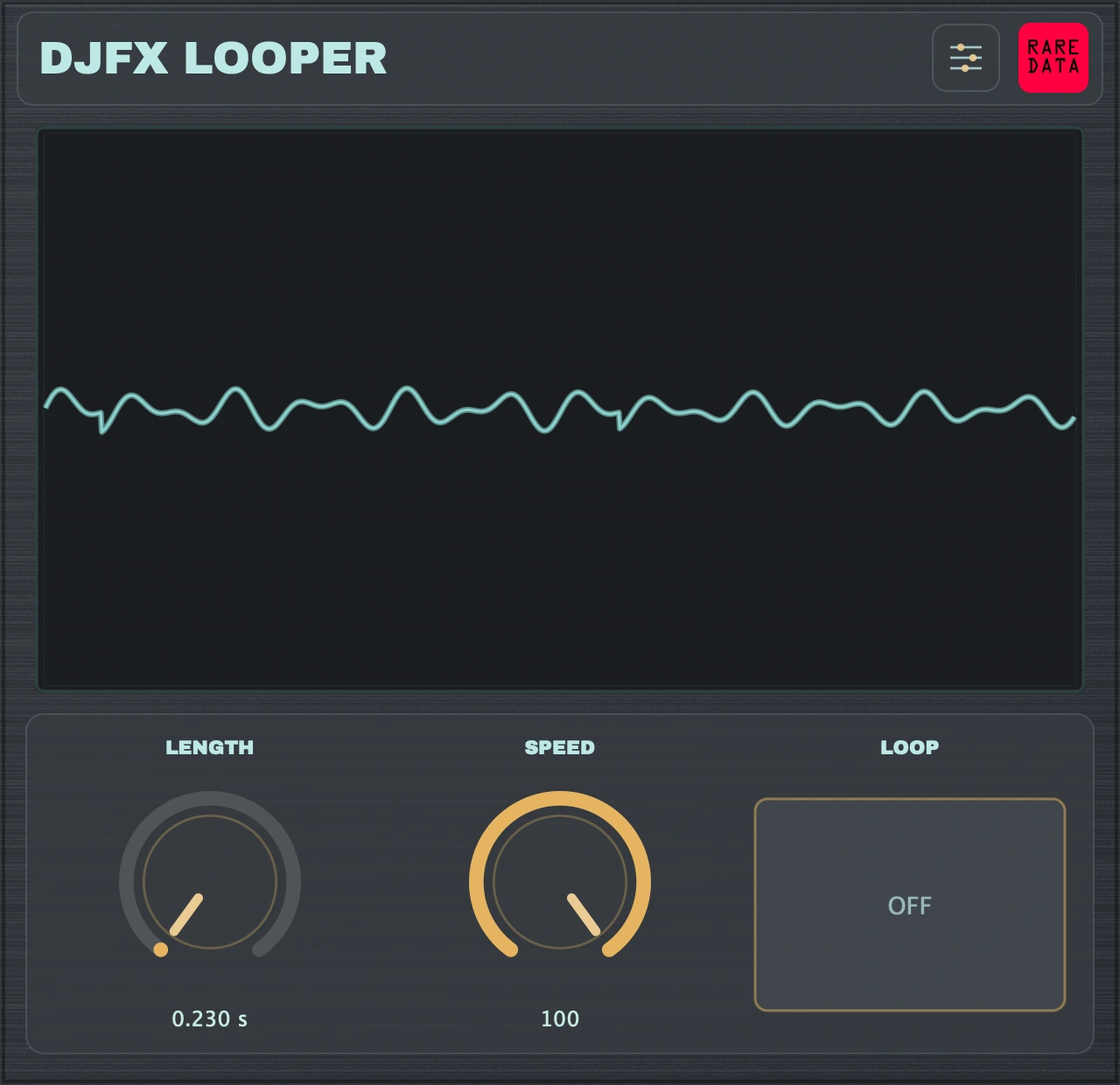
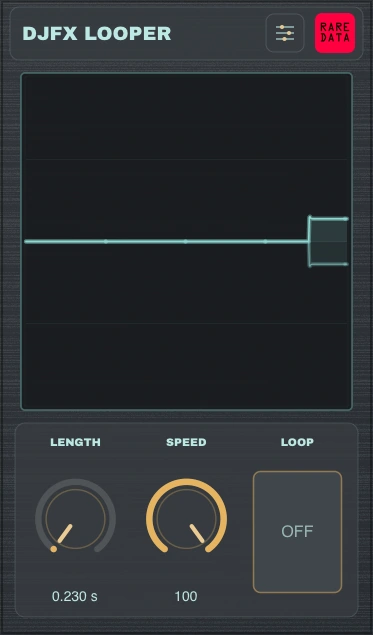
The desktop interface: knobs, sliders and the Loop button share the same three host parameters. Force uses native Q-Link knobs.
01
Choose a 12–230 ms window. Length shapes the rolling sound even with Loop off: match it when comparing different settings.
02
Move from forward playback through a stop into reverse. Short windows and changing speed produce smooth swoops, bends and rhythmic fragments.
03
Catch the window and keep it turning. On desktop, Momentary is the default: hold to engage and release to let go. Choose Toggle for a latched loop. On Force, Loop is OFF through halfway and ON above halfway.
Make it comfortable
Resize the desktop window. Choose knobs or sliders, and show Loop as a button or continuous control. Settings holds the scope views, palettes, steel and wood surfaces, and Momentary/Toggle behavior.
The iPhone and iPad edition supports AUv3 hosts such as COMPA and a standalone app. It has been submitted to Apple; its App Store release is still pending.
Free on every released platform
Get HQ for your computer, then choose DJFX Looper → Install & manage. Existing HQ users can update to 1.1.3 and refresh the library. HQ verifies the signed plug-in package, installs it separately from QuotaFX, and keeps the previous installation available for recovery.
These buttons email HQ download links. HQ itself requires macOS 13+ on Apple silicon, Windows x64, or Linux x64 with glibc 2.39+ and a desktop browser; Ubuntu 24.04 is tested. For Intel Macs or standalone apps, use the installers below.
AU, VST3 and standalone
1.0.0 · Universal · macOS 13+VST3 and standalone
1.0.0 · Signed installerVST3 and standalone
1.0.0 · DJFX requires glibc 2.38+Native audio insert · three Q-Link knobs
1.0.1 · Force 3.9.1.2 · existing compatible setupAUv3 and standalone
Submitted · Waiting for Apple reviewAU and VST3 on Mac; VST3 on Windows and Linux. Windows/Linux packages passed native automated plug-in audio and state checks; real-DAW listening there is not claimed.
This package installs only DJFX Looper. It does not enable SSH, install scope helpers, or change firmware or startup hooks. Other MPC models and firmware versions are not verified.
Force uses three native knobs. Loop is OFF at or below 50% and ON above 50%. SETUP holds scope and palette controls. Desktop Momentary/Toggle options do not apply to this edition.
HQ installs the plug-ins for your DAW. These optional packages also include the standalone app. The Mac package supports Apple silicon and Intel; it installs AU/VST3, standalone and the quick guide. Keep your audio host closed during installation.
DJFX requirements: macOS 13+; Windows x64; Linux x64 with glibc 2.38+. On Linux, copy the VST3 bundle to ~/.vst3 and launch the included standalone executable when needed. These are free production builds, separate from any private preview.
Free to play
No trial timer and no paid unlock. The app, its DSP, branded interface and scopes remain private source for this release. No public source repository is required to download or use it.
DJFX Looper is an independent Rare Data product. References to Roland and SP-404MKII identify the hardware inspiration and do not imply affiliation, sponsorship or endorsement.
Part of a larger lineup
QuotaFX brings performance effects into a larger collection. The focused DJFX Looper stays completely free on its own.
Explore QuotaFX →