Twelve files
out of one song.
Six stems, and the drums split six ways down to the ride.
Quota Stems separates a track into vocals, drums, bass, other, piano and guitar, then takes the drum stem apart into kick, snare, toms, hi-hat, ride and crash. That is twelve separate audio files from one song. It writes a residual file with the drum pieces, and with that residual in the folder the pieces add back up to the drum stem, so you can pull the drum track out, drop the pieces in, and the mix does not change. It runs on your machine. No account, nothing phones home.
Mac and Windows. No account. Runs on your machine.
Coming September 9 to iPhone and iPad
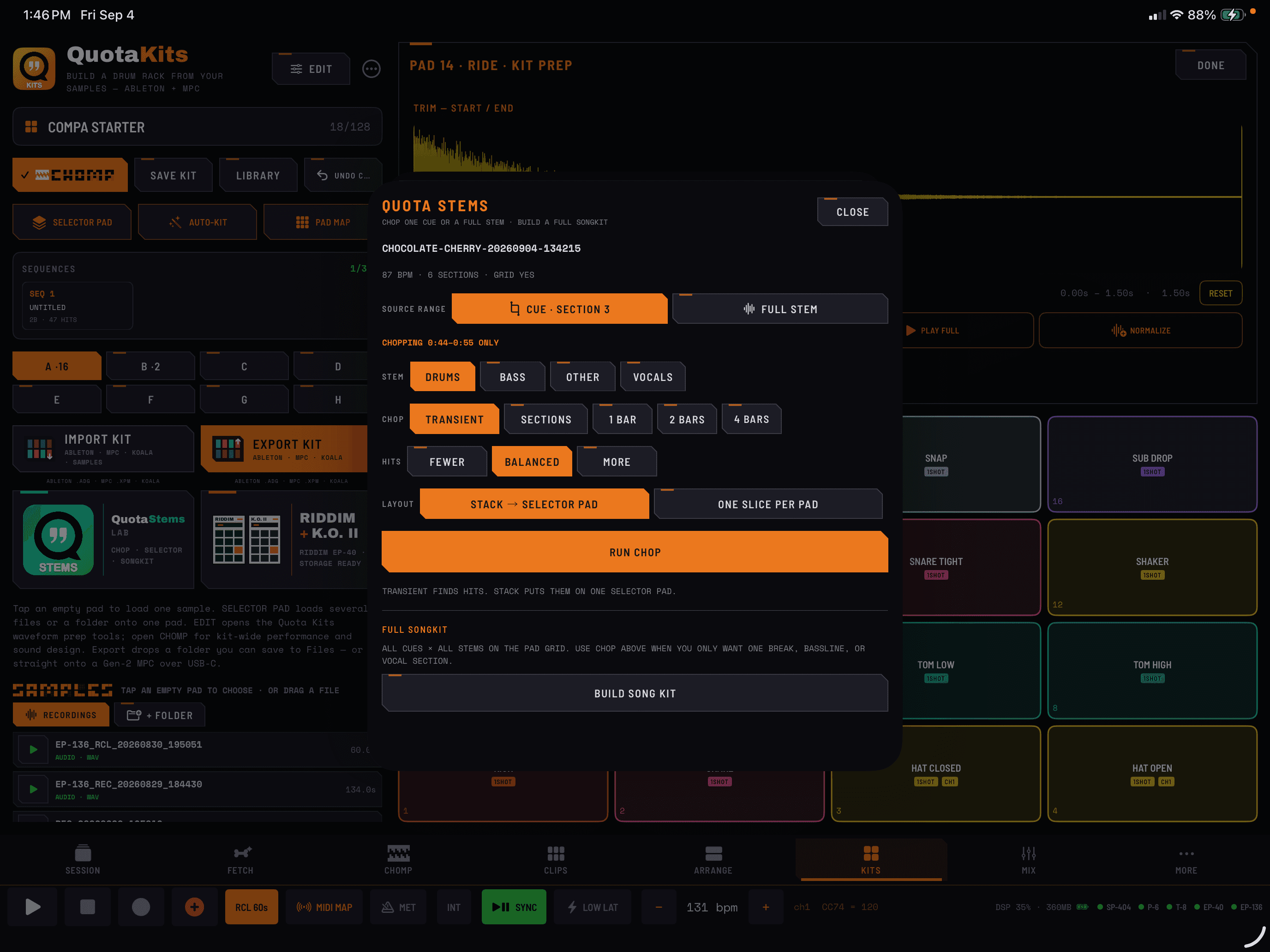
Quota Stems, inside COMPA.
On-device Standard 4 separation, cue editing, and publishing to CHOMP, Clips, and Arrange. Desktop Advanced and drum-split capabilities remain separate. Included when you own COMPA. No additional feature purchase.
The questions people actually ask.
What’s the best way to split a drum track into kick, snare and hi-hat?
Run the song through Quota Stems with Drum Split set to 6-way. You get kick, snare, toms, hi-hat, ride and crash as separate files, using the MDX23C DrumSep model. 4-way is there too if you only need kick, snare, toms and cymbals.
Can a stem separator give me more than four stems?
Yes. The Standard model gives you the usual four: vocals, drums, bass and other. The Advanced model adds piano and guitar for six. Turn on the 6-way drum split on top of that and one song comes out as twelve files.
If I split the drums into six pieces, do they still add up to the original?
Yes, as long as you keep the residual. Separation models never sum back to their input on their own, so Quota Stems writes a residual file alongside the pieces: residual equals the drum stem minus the sum of the pieces, saved as 32-bit float so nothing gets lost or clipped on the way to disk. Load the pieces plus that residual and you have the drum stem back. Swap the whole drum track for the individual hits and nothing about the mix moves. It is a real drum bus you can rebuild, not six approximations.
How do I get stems into an Ableton Live project without laying them out by hand?
Open Options, pick the Ableton Session preset, and run the song. Quota Stems writes an Ableton Live 12 project with the stems in it. You can add cue-point scenes so the song arrives sliced into sections, or keep one raw clip per stem.
Do I have to install anything to get the six-way drum split?
Nothing you have to go find. The separation code is inside the app, but the model weights are not, so the first time you run a 6-way split it pulls down the checkpoint it needs, about 440MB, and after that it is on your drive. The 4-way model is about 160MB and works the same way. Both are one-time downloads and there is no separate installer for either.
Built for the whole split, not just the separation.
Six stems, not four
Standard gives you vocals, drums, bass and other. Advanced adds piano and guitar, so the keys and the guitar parts stop fighting each other inside “other.”
6-way drum split
Kick, snare, toms, hi-hat, ride and crash, from the MDX23C DrumSep model. 4-way is kick, snare, toms and cymbals if that is all you need, and Off leaves the drum stem whole.
Twelve files from one song
Advanced plus 6-way is six stems and six drum pieces, plus the residual that makes the drum pieces recombine. That is the top of the range.
A residual that puts the drums back together
The drum pieces are written with a residual file, and with it in the folder they add back up to the drum stem. Mute the drum stem, unmute the pieces and the residual, and the mix is where it was.
Nothing separate to install
The separation code is inside the app. The model weights download once on first use, around 440MB for the 6-way and around 160MB for the 4-way, and then they live on your drive.
Workflow presets
Options opens on preset chips: Just Stems, Ableton Session, Force / MPC, Kit Maker, Custom. Pick the one that matches what you are doing and every setting under it follows.
Flat, uncluttered Options
Cards for STEMS, DRUM KIT and DAW PROJECTS, with everything else tucked behind Show advanced. Fewer things on screen, and the ones that are there are the ones you touch.
Live estimated output size
Options shows what the run is going to write before you start it, so a twelve-file job never surprises your drive.
Ableton Live 12 export
Exports a Live 12 project built from the stems, with optional cue-point scenes that slice the song into sections. Or keep it simple with one raw clip per stem.
Akai Force and MPC export
The same job can export a Force / MPC project instead, with the same cue-point scene option.
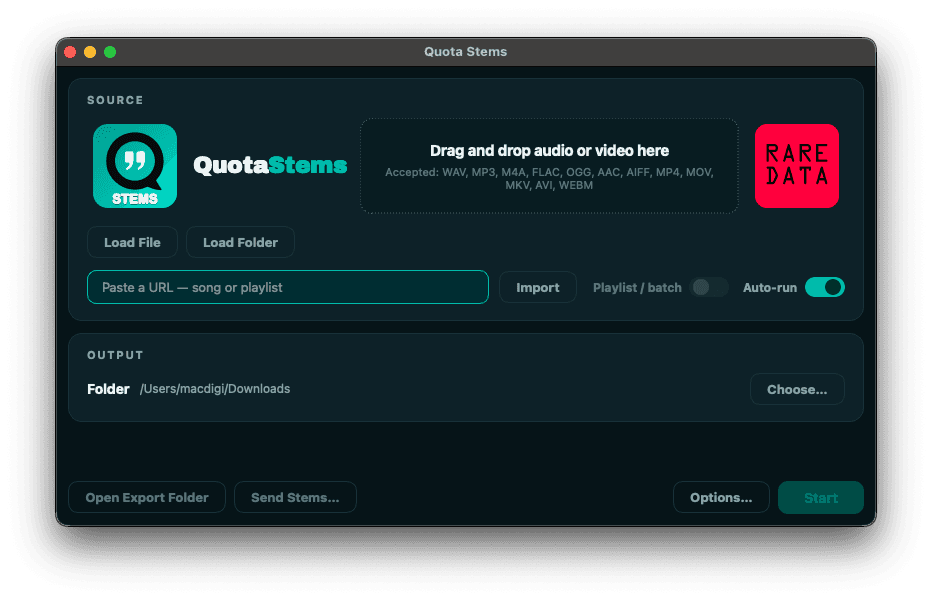
Load a file, a folder, or a link
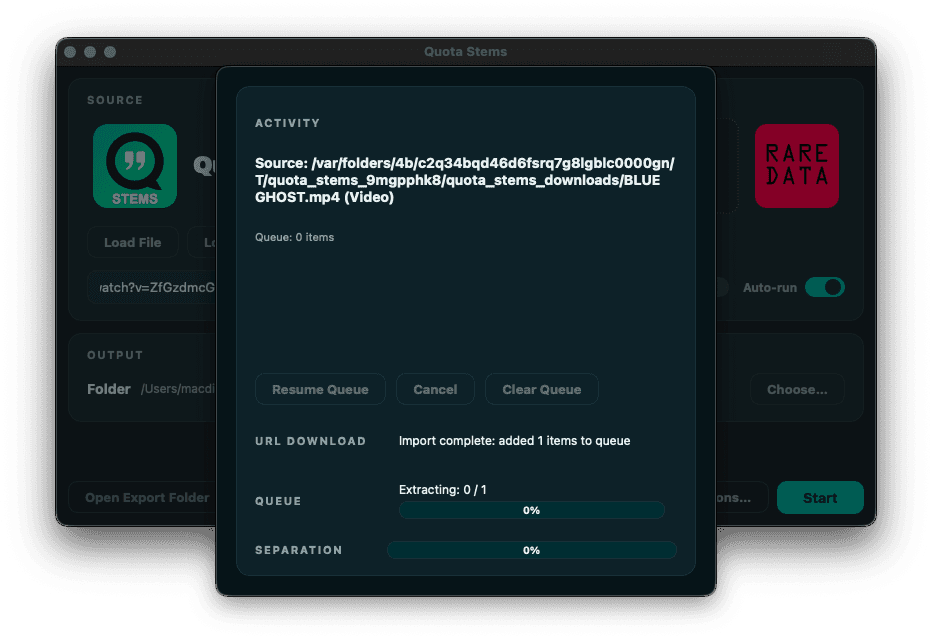
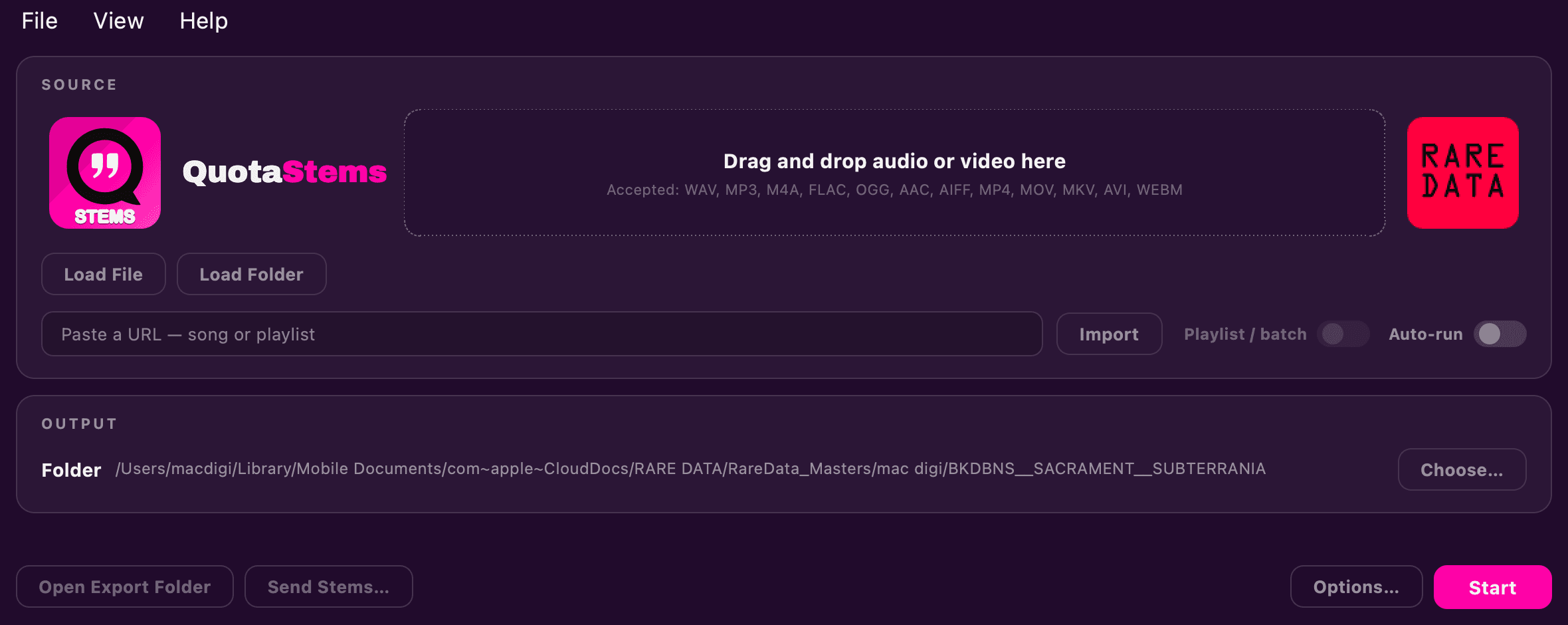
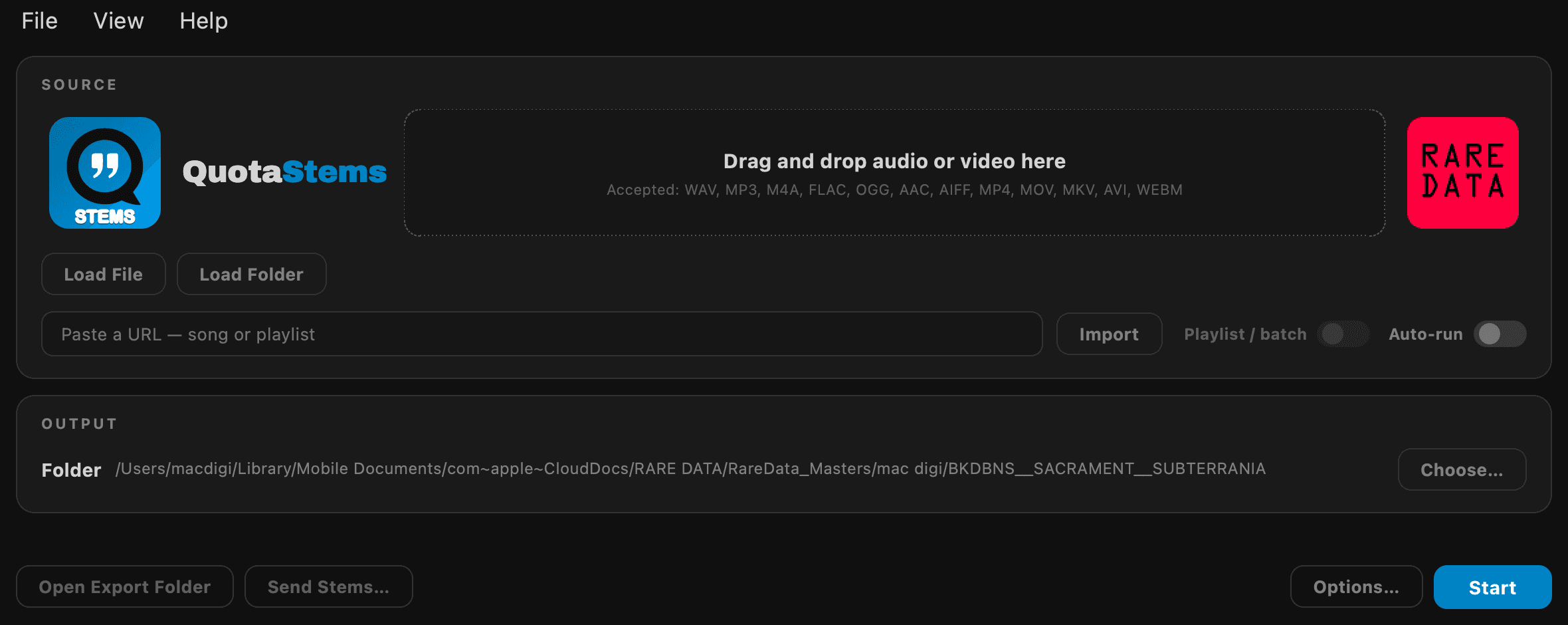
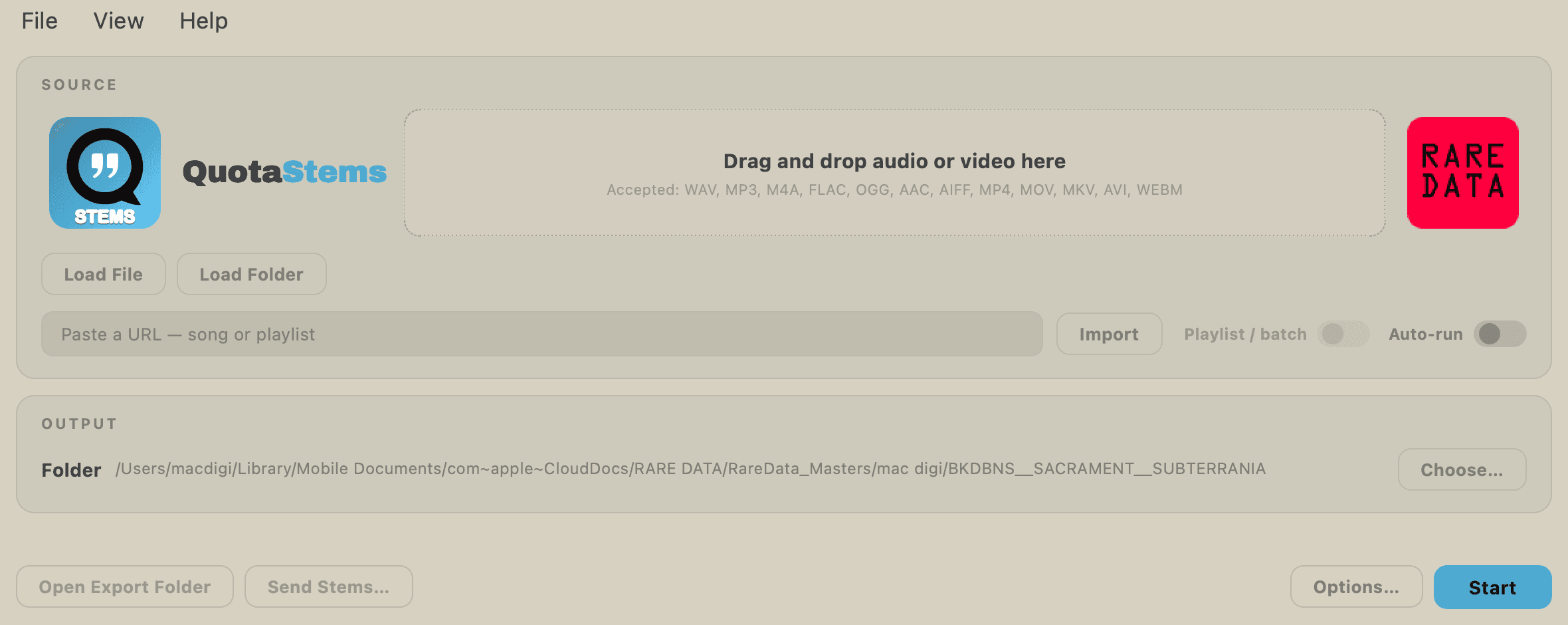
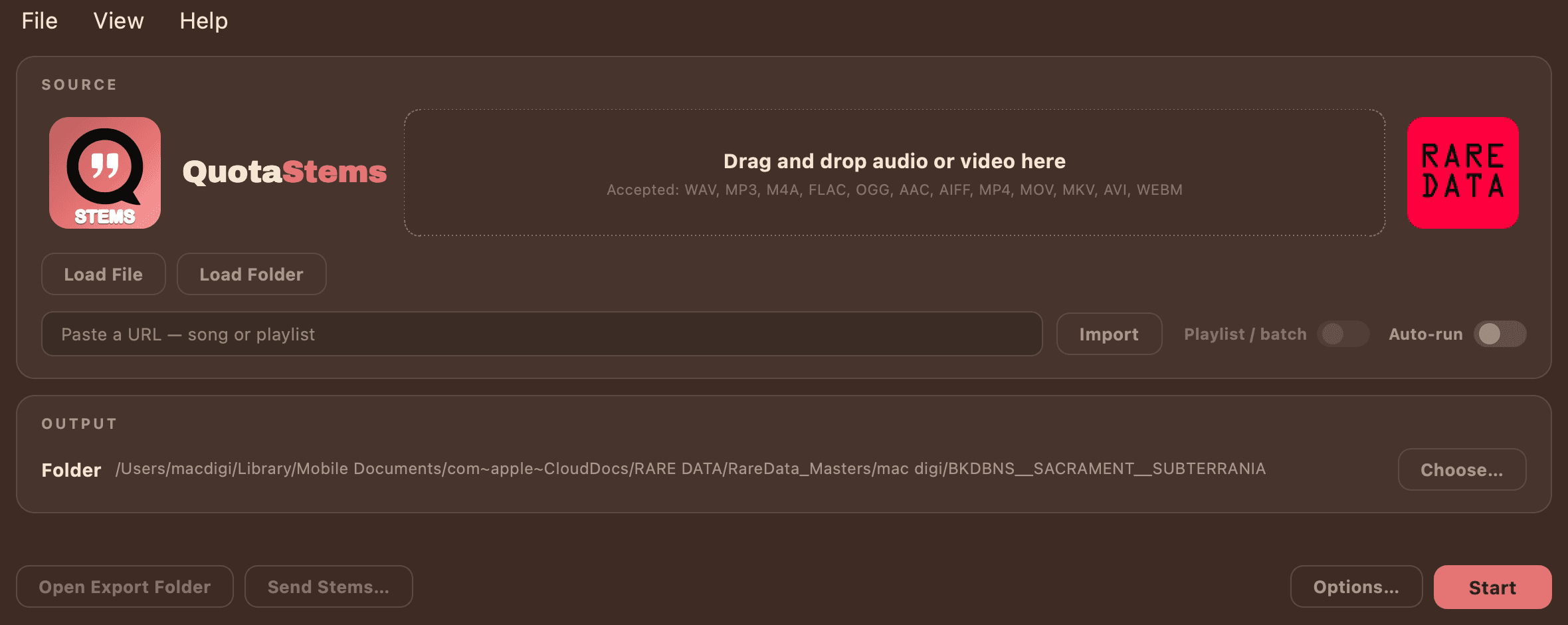
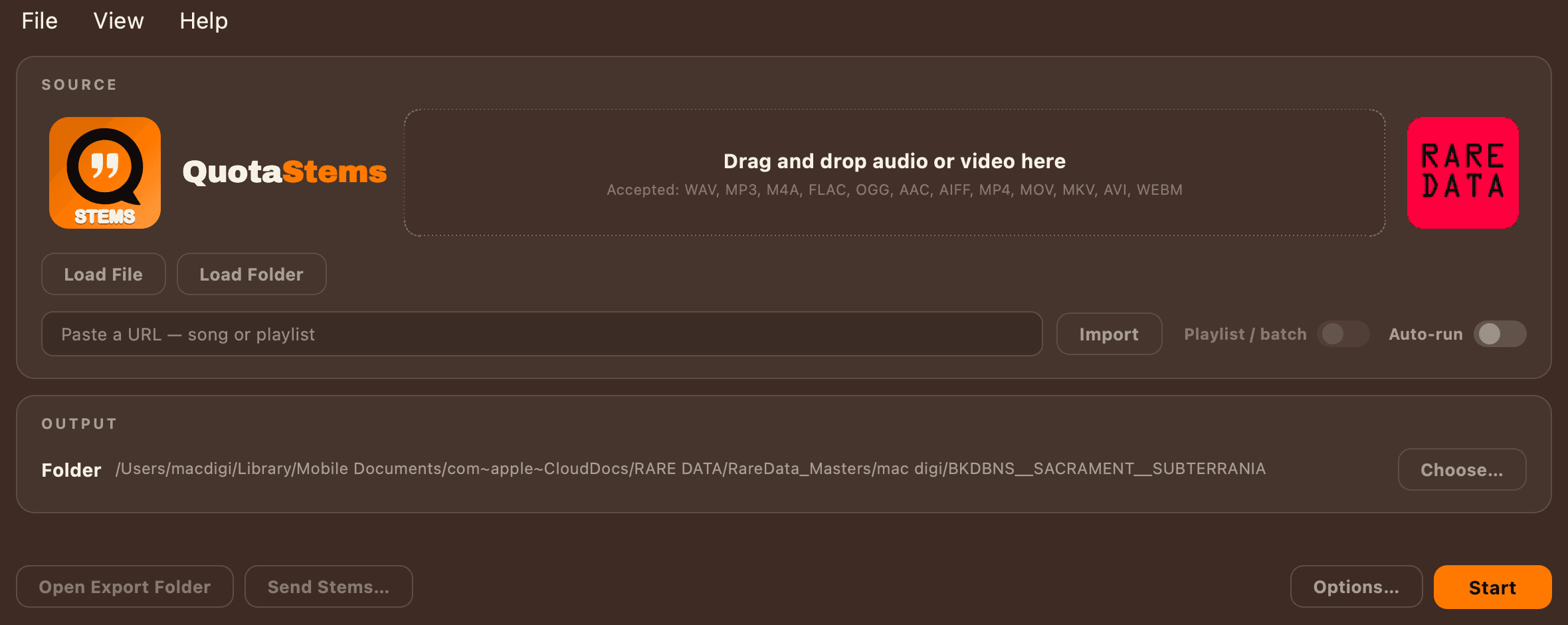
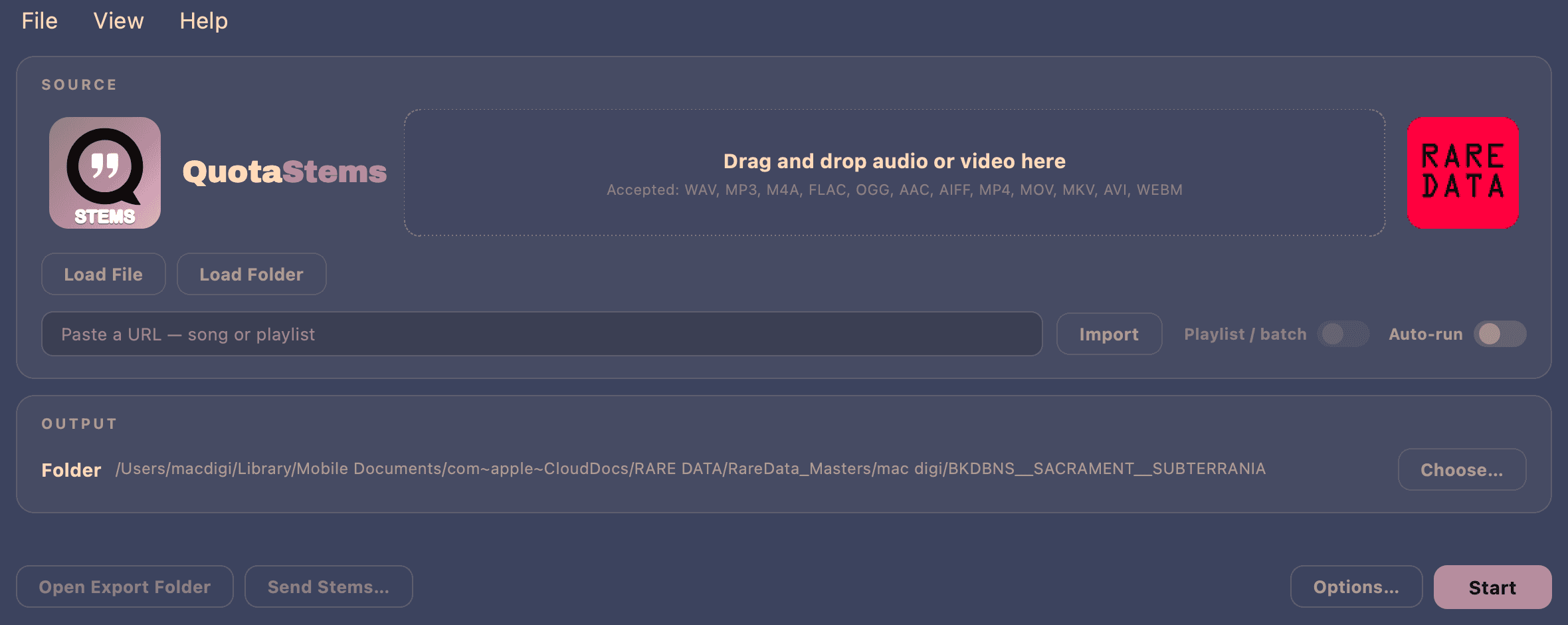
Point it at a single song or a whole folder, or paste a song or playlist URL and hit Import.
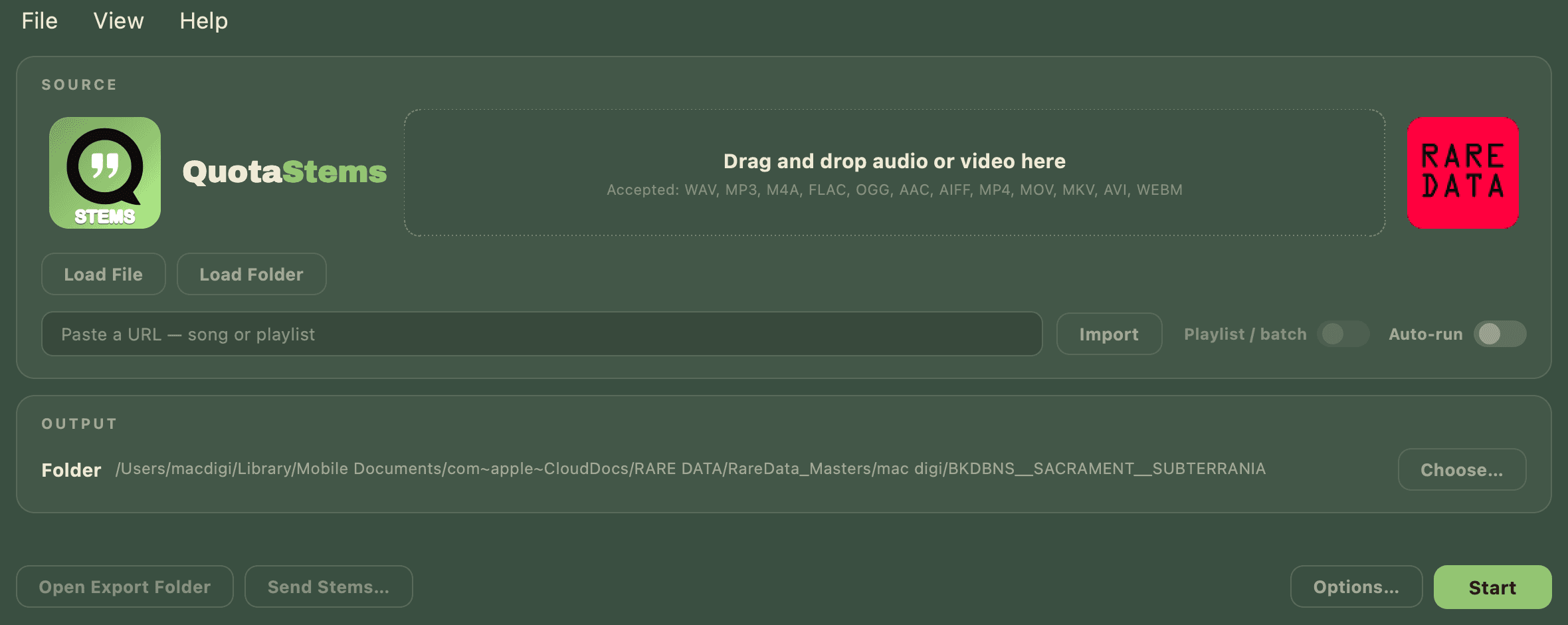
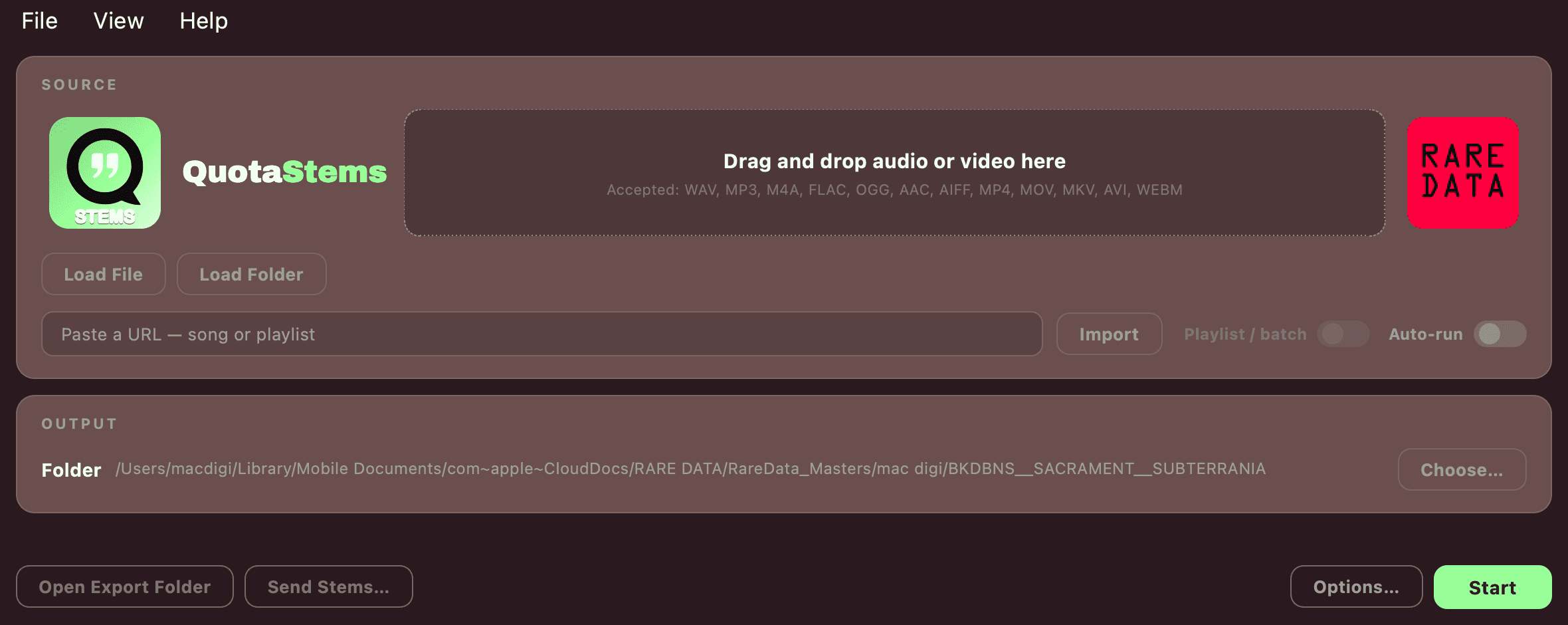
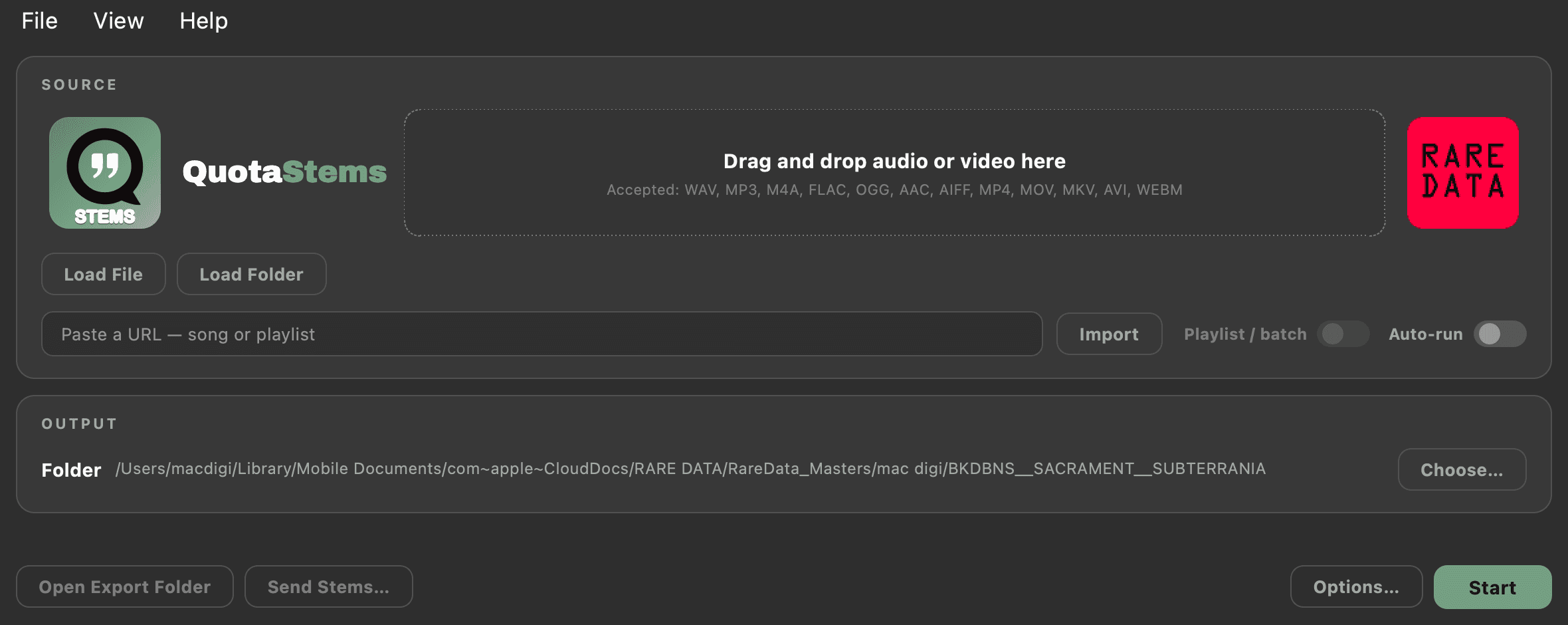
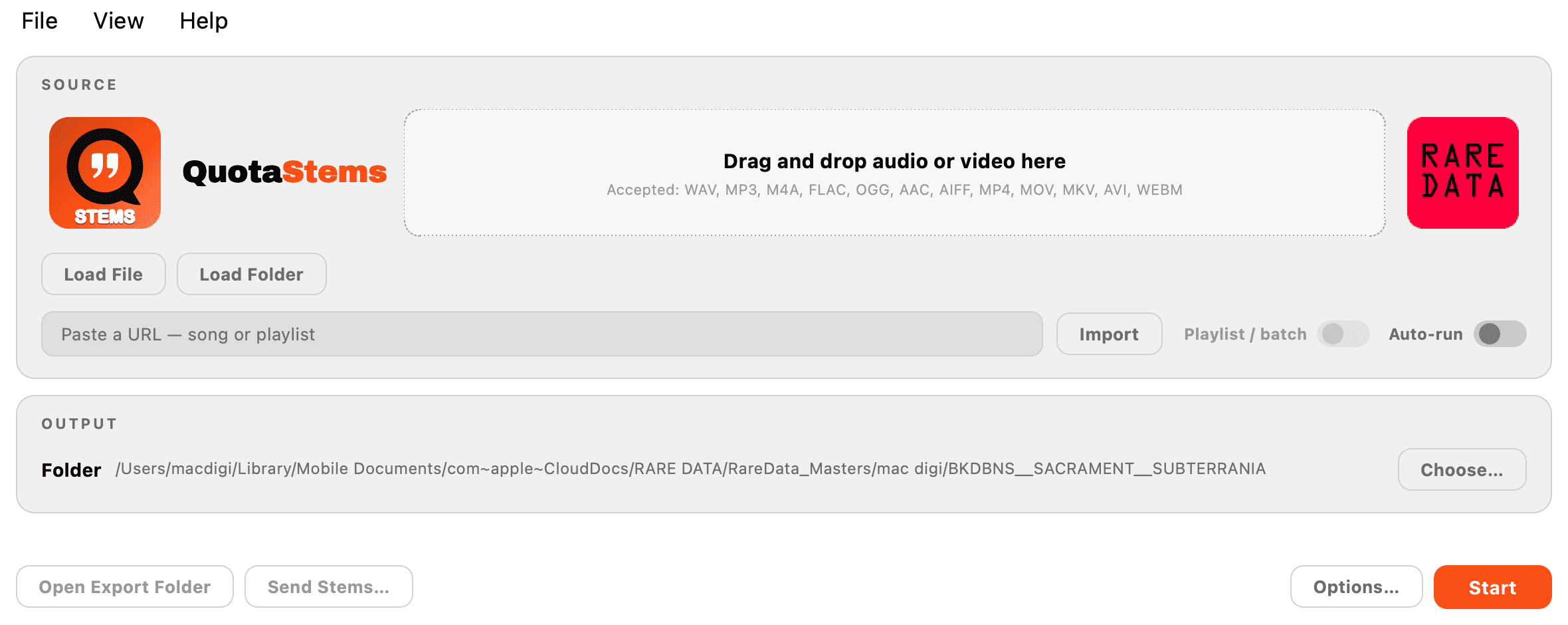
Palette-first themes
One palette recolors every surface in the app, and 34 of them ship with it. You can save your own on top of those.
Hands off to Quota Kits
Send a split drum folder straight to Quota Kits and it opens on that folder, ready to build a drum rack.
Mac and Windows
Both platforms, same app. No account, nothing phones home, and it runs on your machine.
Tell it what kind of job this is.
Options is where you tell it what kind of job this is. It opens on a row of preset chips: Just Stems, Ableton Session, Force / MPC, Kit Maker, Custom. Pick the one that matches what you are doing and every setting under it follows.
Underneath, the settings sit on flat cards for STEMS, DRUM KIT and DAW PROJECTS. The deep controls are behind Show advanced, so the things you actually touch are the things on screen. A live estimate at the bottom tells you how much audio the run is going to write before you start it, which matters when a single song can come out as twelve files.
The Keep chips decide which stems get written. Run the Advanced model and still only keep vocals and drums if that is all you want on disk.
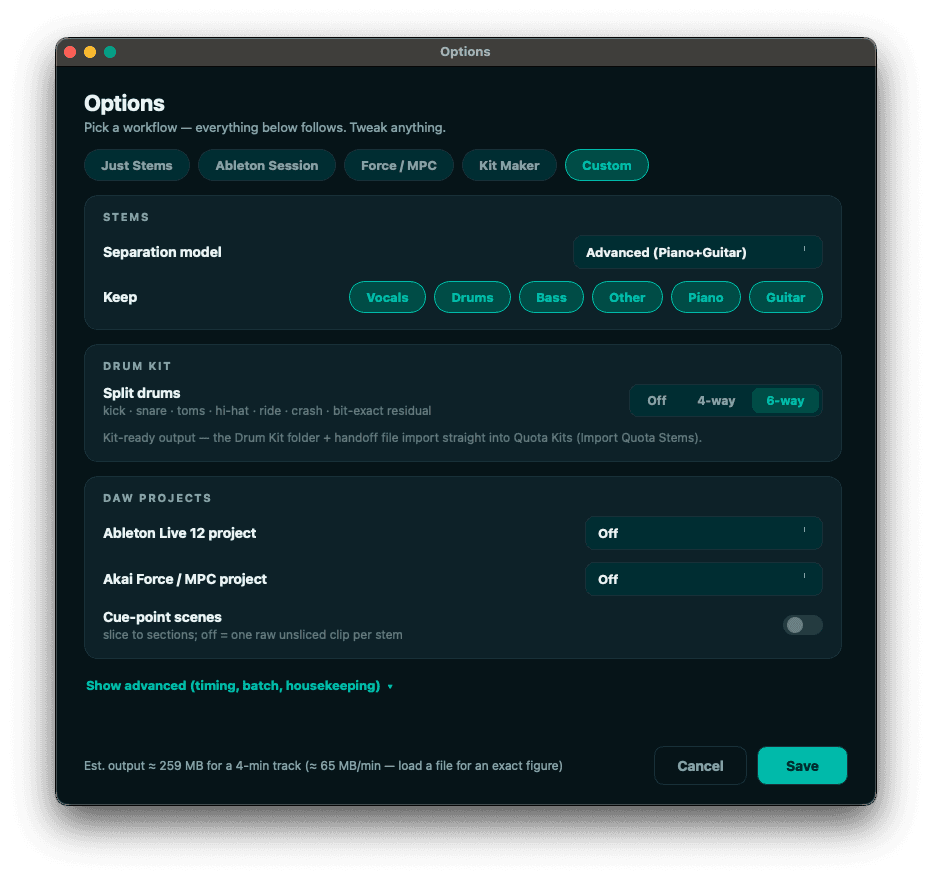
One window covers the whole job. The preset row across the top, the Keep chips, the 6-way split with its kick, snare, toms, hi-hat, ride, crash and bit-exact residual, the Quota Kits handoff line, and the live output estimate along the bottom.
It finds the downbeat before it cuts anything.
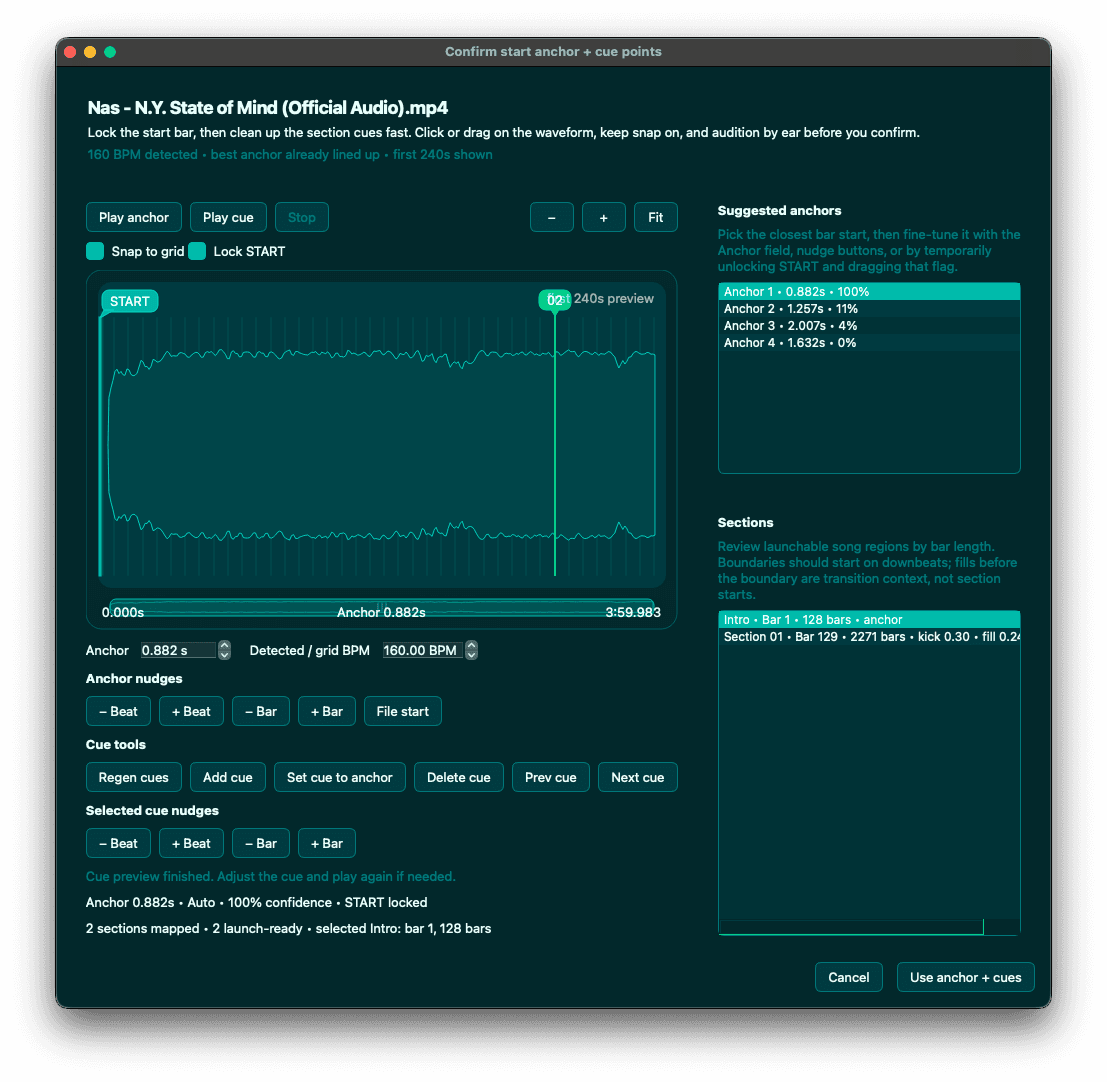
A stem that starts a few milliseconds late lands your whole session off the grid. So when a run is going to write a DAW project or slice to cue points, Quota Stems shows you the start anchor first and lets you audition it.
It detects the tempo, lines up the closest bar start, and ranks the anchors it found by confidence. Play anchor to hear it, nudge by beat or by bar, lock START, and the section list on the right shows the launchable regions by bar length. Confirm and the stems, the cue points and the scenes all come out against that same grid.
One palette recolors the whole app.
34 themes ship with it, and you can save your own on top of those. Ten of them, on the source panel:
Get it.
Quota Stems runs on Mac and Windows. No account, no sign-in. Install it and it works.
Questions go to support@getquota.app.