Play it
Saw and square voices, cutoff, resonance, envelope modulation, accent and slide. Choose Legato or Retrigger for live keyboard playing. Shape the bass with drive, delay, chorus and reverb.
RAW DOG 303 · BY RARE DATA

An acid bass machine with a pattern to play and room to get your hands into it.
Built into COMPA on iPhone and iPad, including its AUv3 instrument. Free for macOS, Windows, Linux and supported Force setups through Rare Data HQ. The platform versions share the same engine.
All four choices email you Rare Data HQ. Install RD303 from its library, on your computer or on your Force. No separate plug-in installer to track down.
ALSO IN COMPA · iPHONE + iPAD
RD303 is included in COMPA on iPhone and iPad, with its AUv3 instrument for other hosts.
See COMPA →

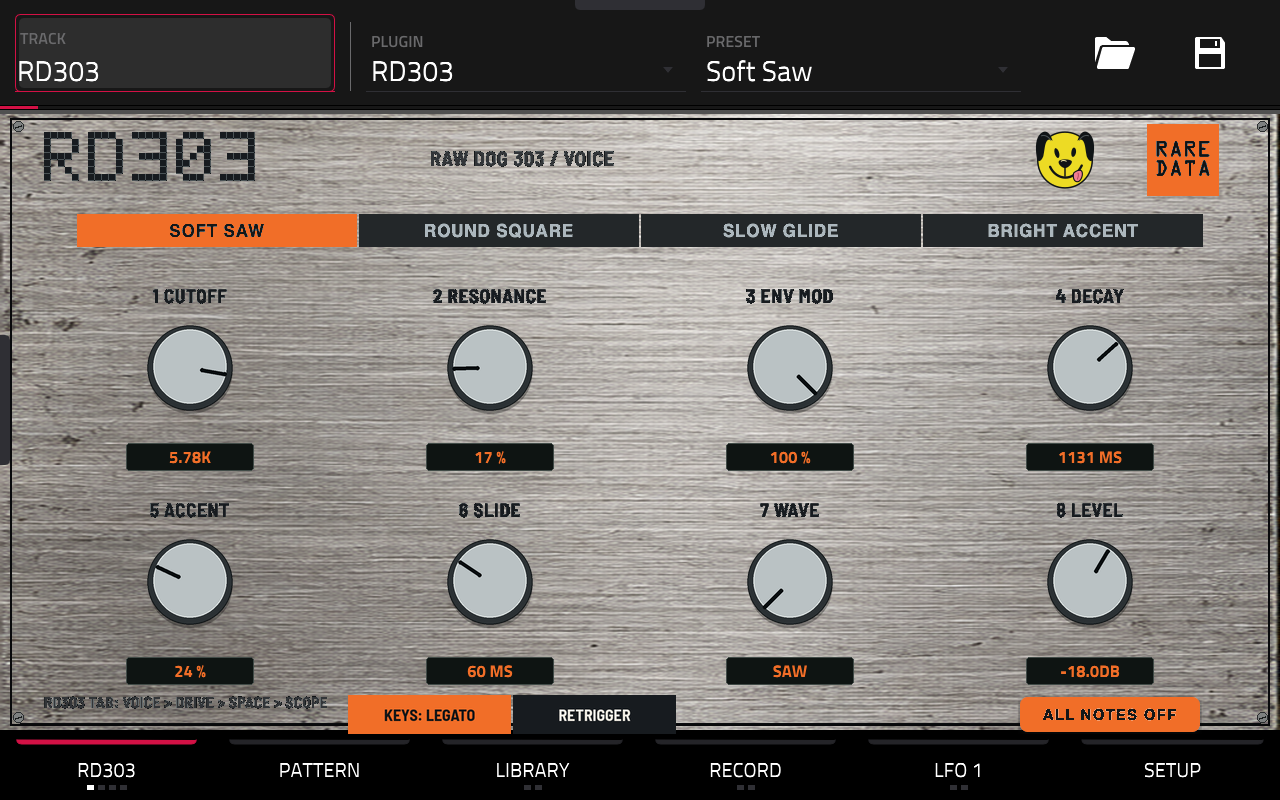
Saw and square voices, cutoff, resonance, envelope modulation, accent and slide. Choose Legato or Retrigger for live keyboard playing. Shape the bass with drive, delay, chorus and reverb.
Build up to 128 steps with note, octave, gate, accent, slide and hold. On Force, use the Q-Links and banked pads for hands-on editing.
Record multiple knob movements in one pass, then hear and see them play back with your pattern. Save the movement with your own presets.
Browse the COMPA Pattern Library by genre, choose a key and scale, then generate or vary a pattern until it becomes yours.
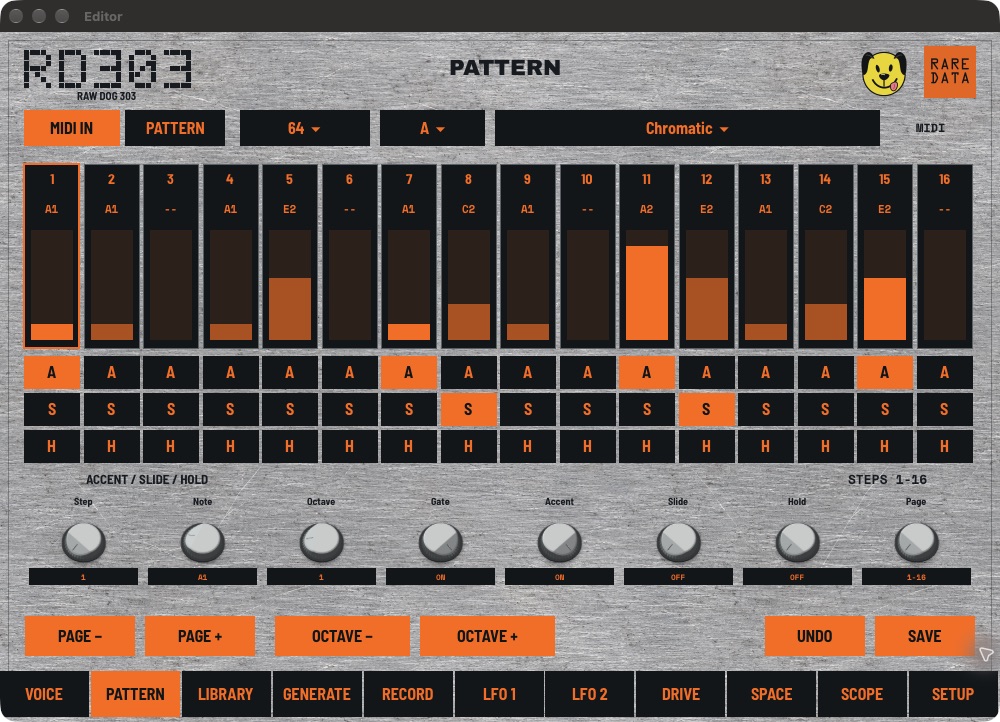
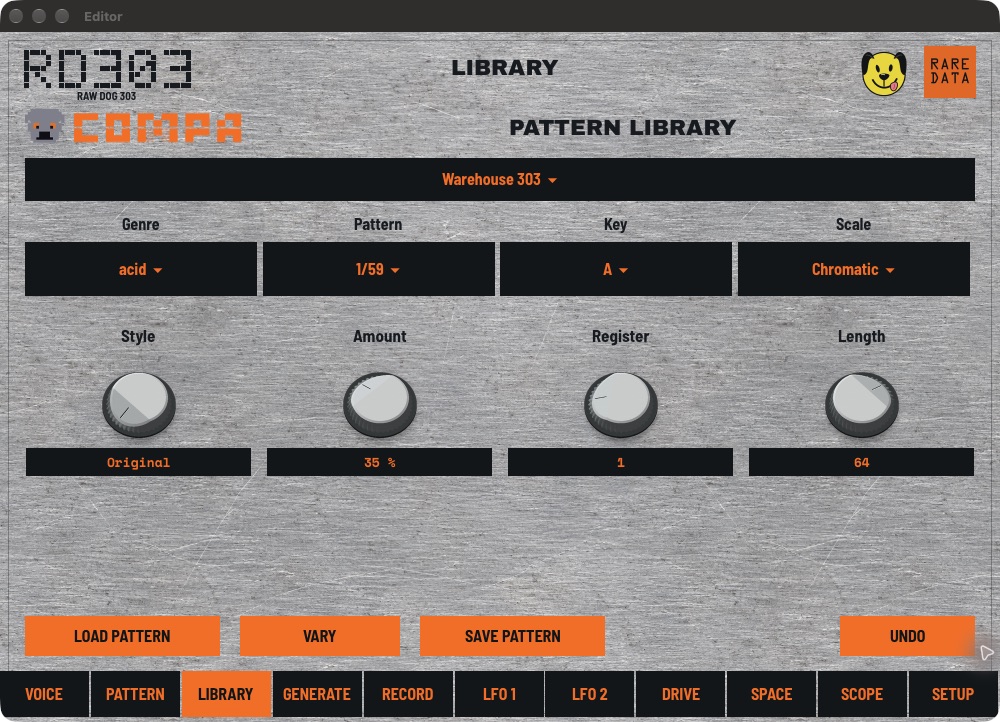
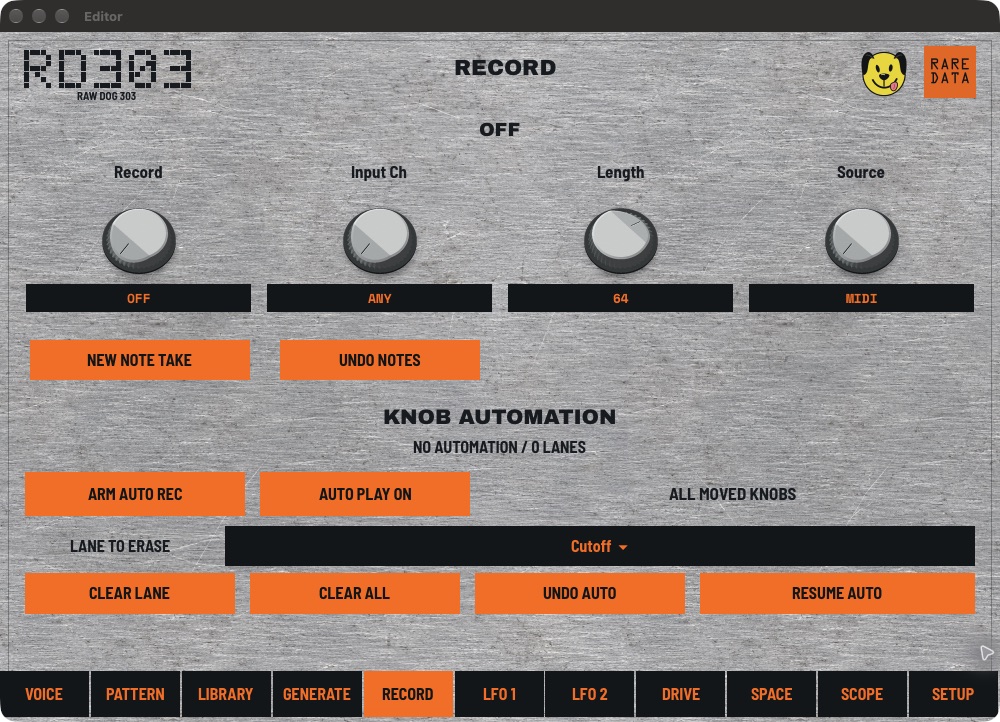
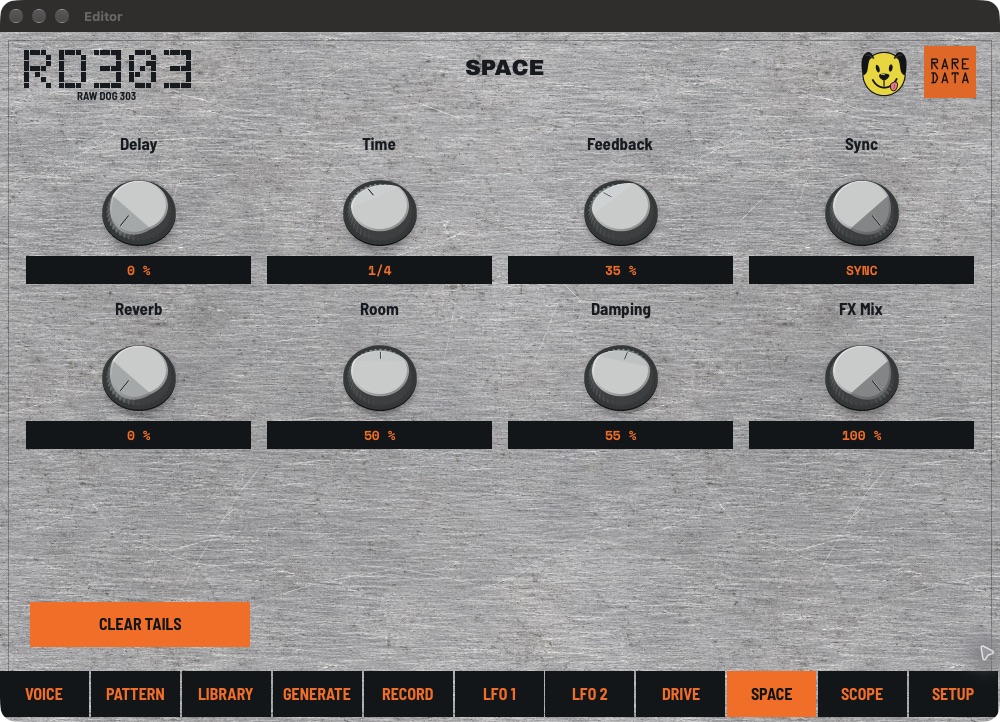
Actual macOS VST3 captures. Each platform adapts the controls to its screen and inputs.
HQ also connects to Quota Stems and Quota Kits. Separate a song into stems, build a Force set or drum program, then send the finished project with its samples to your Force. See how it works →
Tested hardware: Akai Force, firmware 3.9.1.2. The setup needs root SSH, storage that can execute plug-ins and a supported persistent scope-service hook. MockbaMod is one tested way to provide those capabilities; SSH access by itself is not the complete setup.
Mac installation through HQ requires Apple silicon; Intel Macs are not supported in this release. Linux x64 requires glibc 2.39+ and a desktop browser for HQ. Ubuntu 24.04 is tested; other compatible distributions are unverified. Other MPC models and firmware versions still need physical testing. Desktop formats are AU and VST3 on macOS, and VST3 on Windows and Linux. Windows and Linux builds have passed automated host and plug-in validation; additional real-DAW testing is welcome.
Known limitation: tab changes can be slow just after loading a project, particularly Pattern and Library. They become more responsive as you move around. Force graphics are designed around the device’s 2 GB memory limit.

RD303 is part of COMPA’s instrument lineup. If you want its bass alongside sampling, sequencing, hardware control and AUv3 hosting on iPhone or iPad, that’s where they meet.
Explore COMPA →