Release notes / 1.5 / current 1.5.1
Quota DS 1.5 Grows From Dialogue Chopper to Performance Sampler
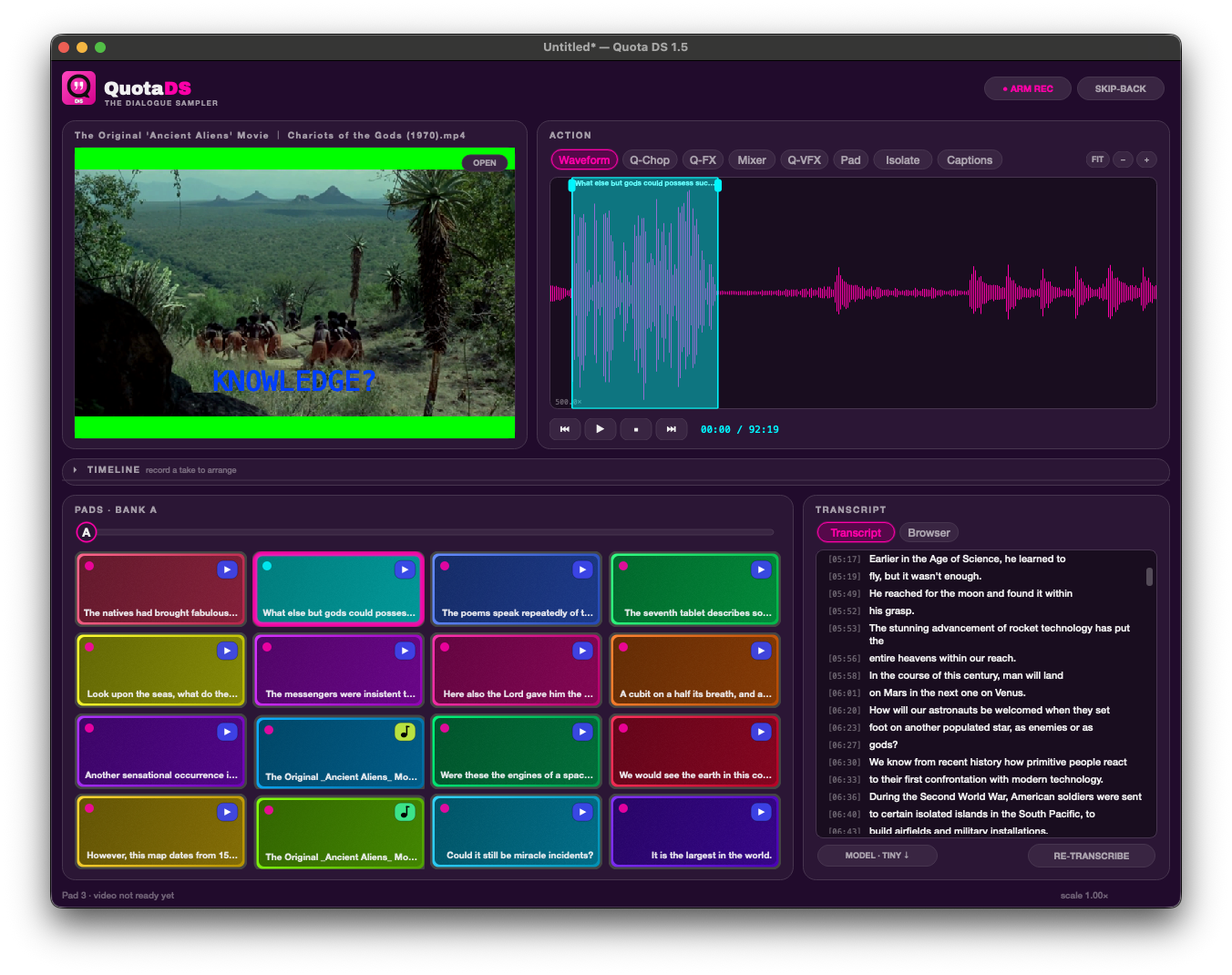
Quota DS 1.5 adds video pads, pad shaping, Q-FX, Q-VFX, a mixer, timeline arranging, performance recording, stems, MP4 export, skip-back, MIDI, projects, vocal isolation, and captions.
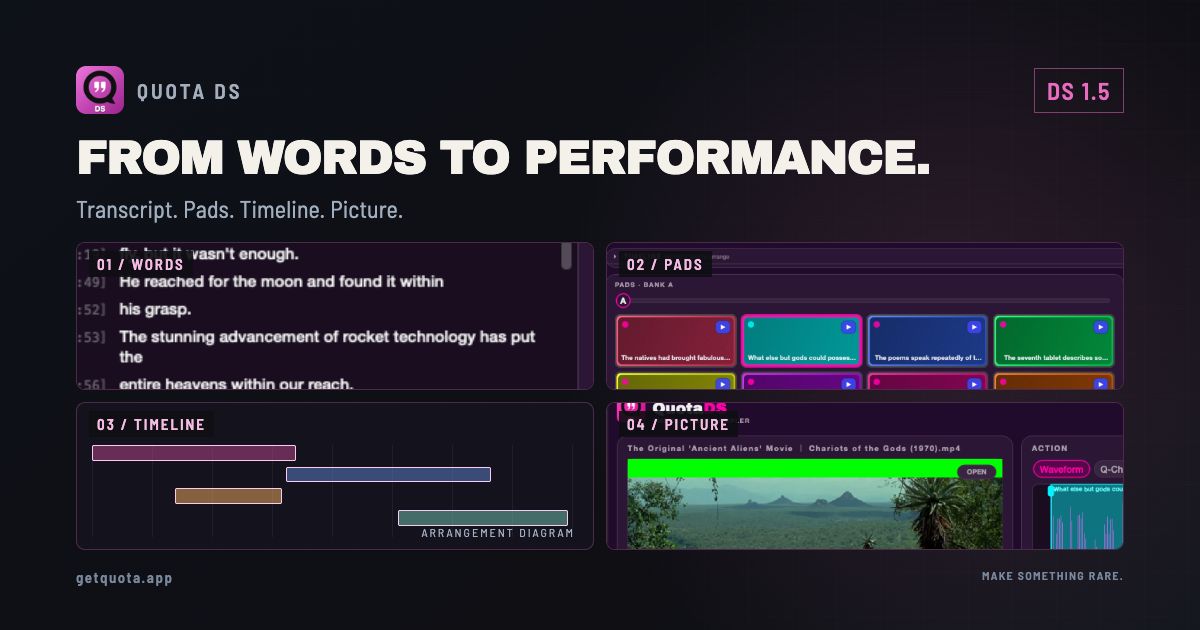
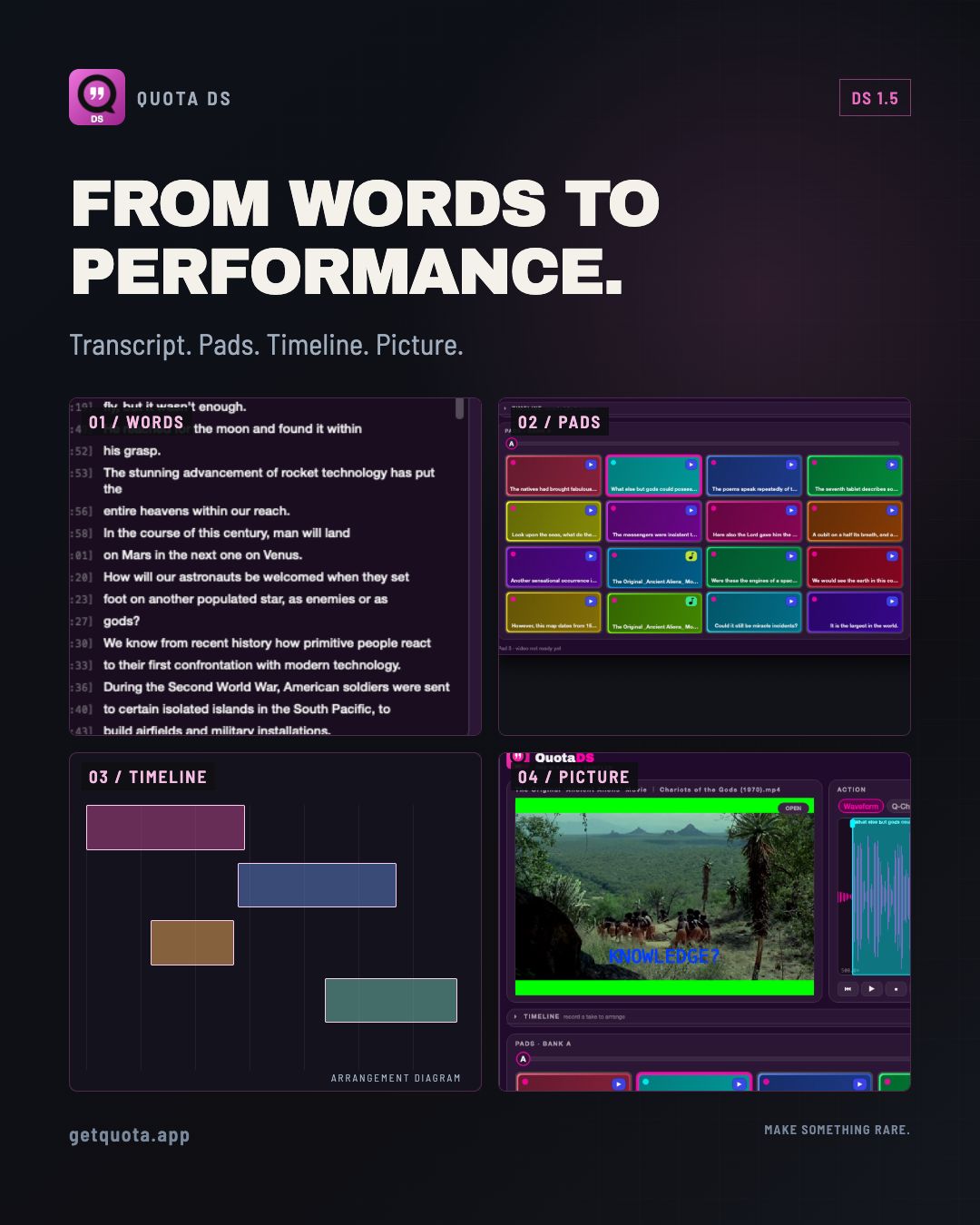
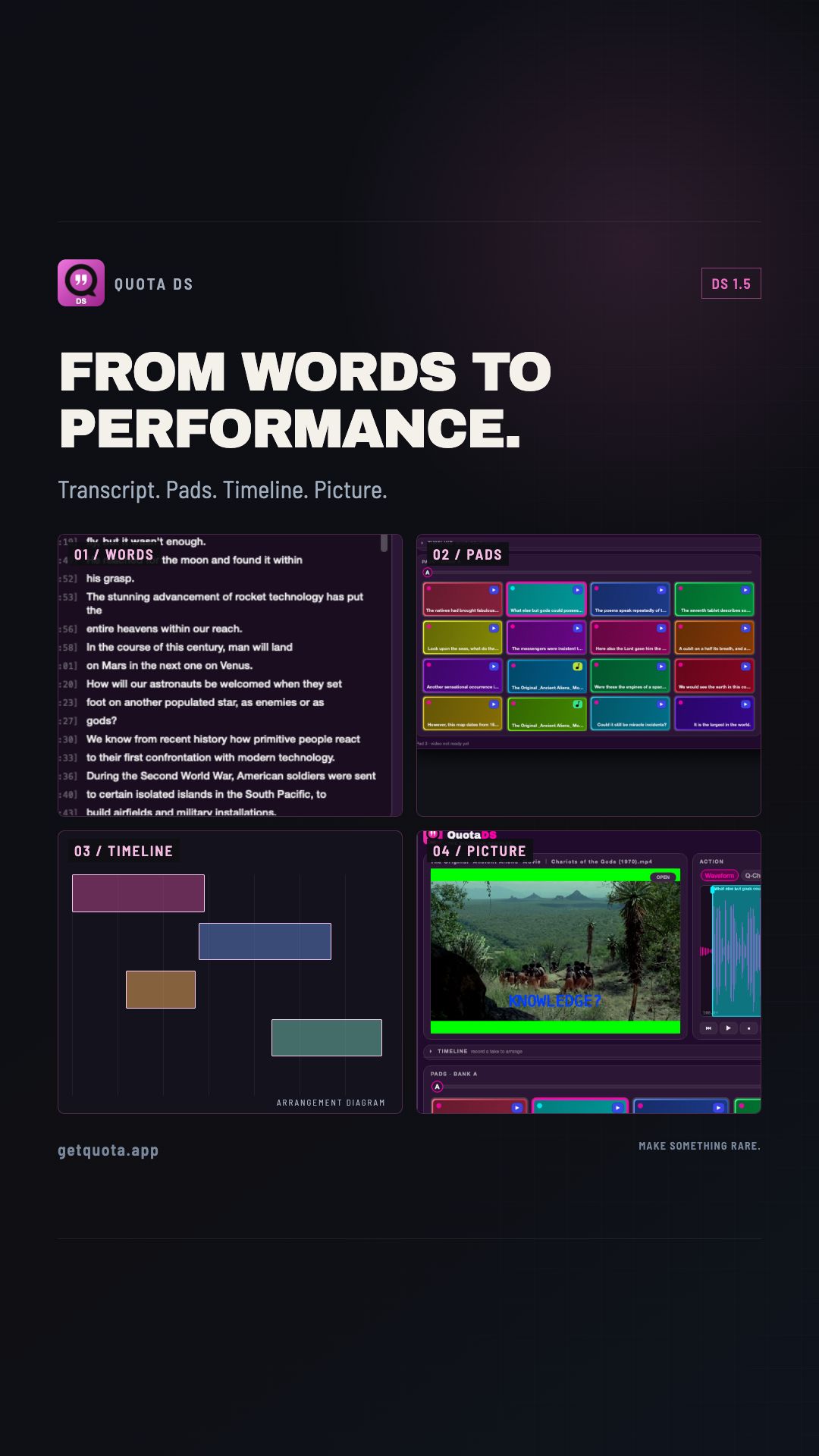
Quota DS began with one direct idea: find a line by reading the transcript, highlight it, and turn it into a playable pad.
Version 1.5 keeps that workflow at the center, then builds a much larger performance environment around it. A dialogue chop can now move from transcript to pads, effects, a mix, an arrangement, and a finished audio or video performance without leaving the app.
The current maintenance build is Quota DS 1.5.1 for Mac and Windows.
The transcript is still the fastest way in
Load an audio or video file, transcribe it locally, and highlight the words you want. Adjust the cut, add fades, assign it to a pad, and keep moving. Q-Chop can help turn sentences or segments into a bank when you want several related phrases.
The words are not a sidecar to the sampler. They remain the quickest map through a long interview, film, podcast, lecture, or field recording.
Pads can carry a full performance
Quota DS 1.5 expands the pad system with banks, video playback, and direct sound shaping. Set a pad’s pitch, envelope, filter, pan, and gain; then use Q-FX for audio processing and Q-VFX for the visual side.
A mixer brings those parts together with the controls needed to balance and perform them. MIDI mapping lets hardware take over the actions you need under your hands.
Build an arrangement, not only a folder of chops
The timeline turns a collection of moments into a piece. Arrange clips, record a performance, and keep the relationship between the sound and picture when video is part of the source.
Export paths include recorded WAV audio, bus stems, and MP4 for visual work. The paths are different: live recording captures the performed mix, while the arrangement MP4 renderer builds a clean mix of the edited clips and does not reapply every pad envelope, pitch/filter setting, or mixer/Q-FX process. Check the export notes on the product page when the exact processed result matters. Skip-back helps recover a performance after it happens. Projects and templates make it possible to return to a setup instead of rebuilding the same bank and routing every time.
Vocal isolation and captions belong in the same workflow
On-device vocal isolation can pull dialogue or vocals forward before the chop. Captions can be burned into exported video clips, which makes the same sample useful in a beat, a live visual, or a short-form edit.
These tools run locally. Model downloads and processing time vary with the job and the computer, but the source does not need to be sent to a cloud transcription service.
What 1.5.1 adds
Quota DS 1.5.1 restores YouTube URL imports on macOS and Windows after upstream client changes. It bundles the August 19, 2026 yt-dlp build with its required JavaScript support, and failed URL imports now return a recoverable error instead of silently stopping.
URL services change outside the app, so local files remain the most stable source path.
Available now
Quota DS is $19.99 USD as a one-time Mac and Windows purchase, with a 30-day trial. Existing Quota Mini licenses carry over; Mini was renamed to DS, not discontinued.
Explore Quota DS · Read why Mini became DS · Download Quota HQ
The story behind the release
The Transcript Sampler Became the Performance App I First Imagined ↗
A companion piece from the Rare Data workshop.
Sources & useful links