Release notes / 1.4 · RELEASED
COMPA 1.4 Is Out: Capture, Dialogue, DJ Decks and RD303
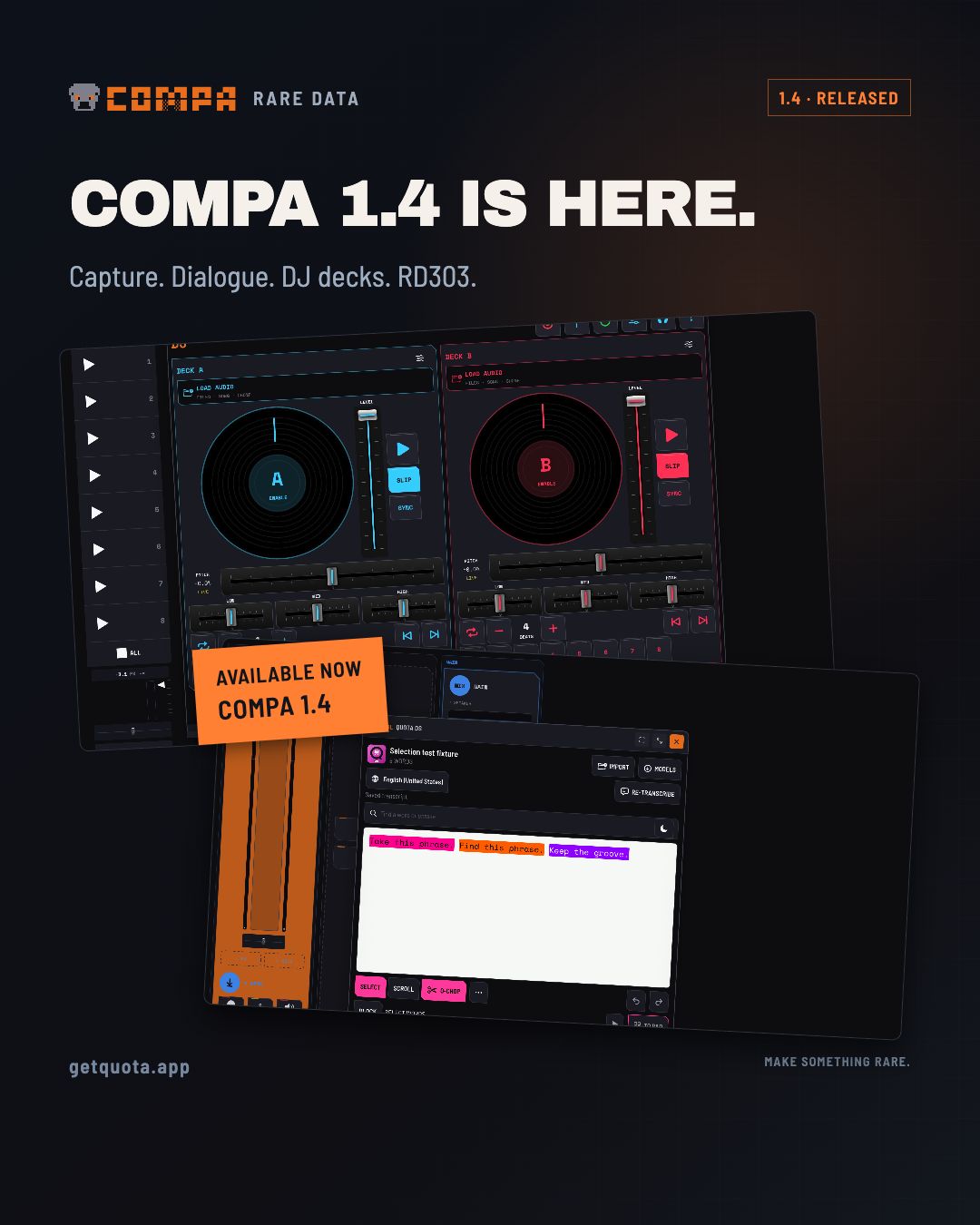
COMPA 1.4 is available on the App Store. Capture supported apps and web sources, sample dialogue with Quota DS, perform with DJ decks and Pad Scratch, and play RD303, the included bassline synth. Two follow-up hotfixes are awaiting review.
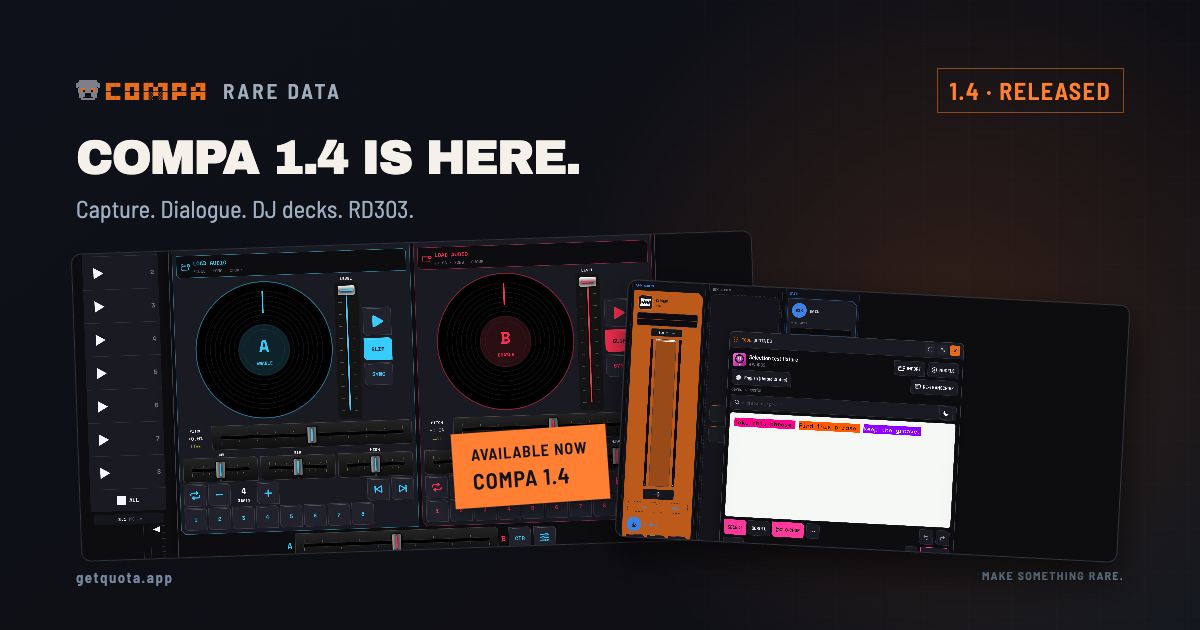
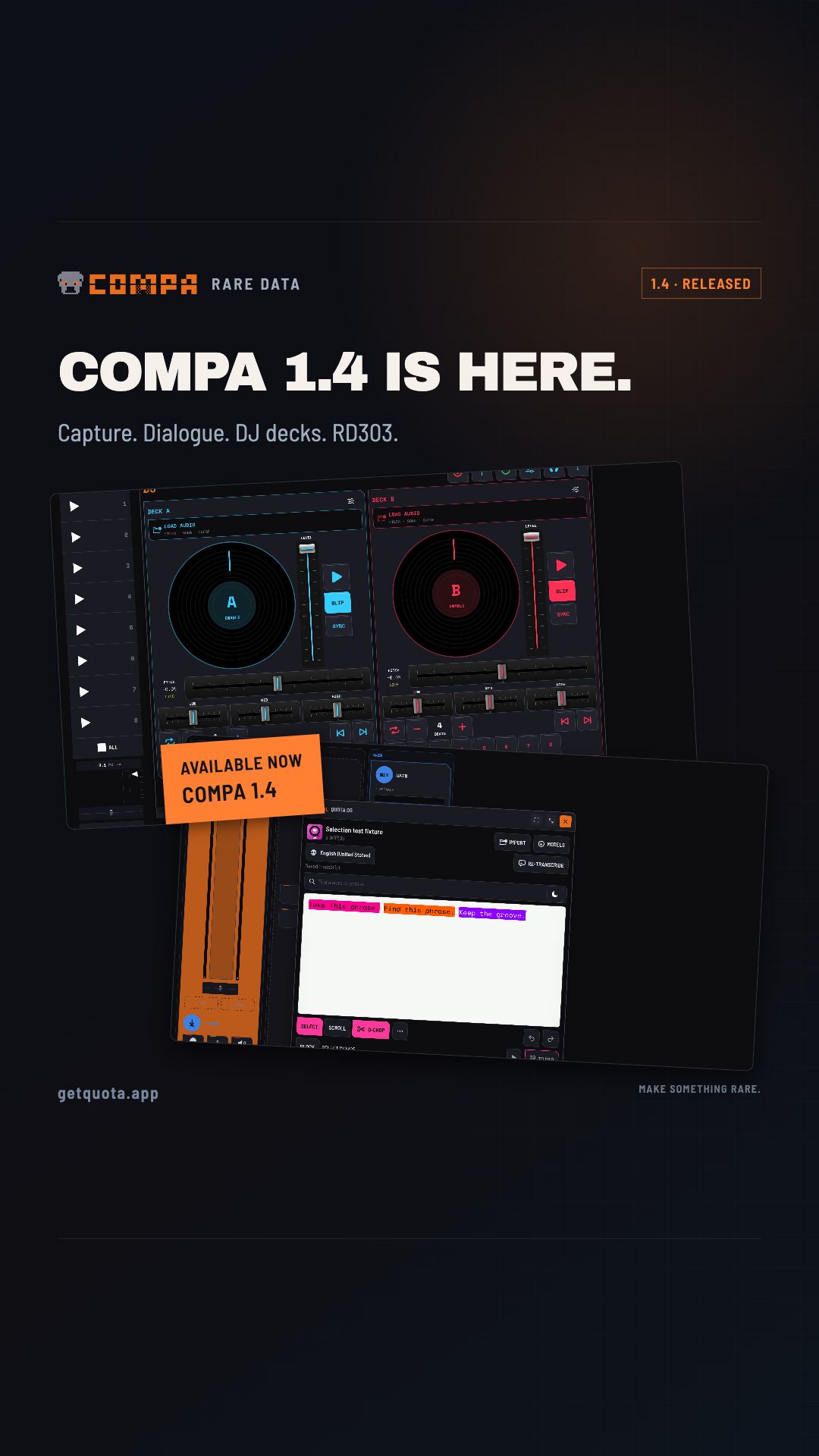
COMPA 1.4 is available now for iPhone and iPad. It went live on October 4 and is a free update for existing owners. The capture, dialogue and DJ workflows from the preview are here, along with a bonus: RD303, Raw Dog 303, included inside COMPA and as an AUv3 instrument for compatible hosts.
Capture a sound where you find it
On iOS and iPadOS 27, capture audio from supported apps or a web player into CHOMP, Clips, Arrange, Takes or Quota DS. Hold an empty pad to grab a quick sample, or use tap-to-start/tap-to-stop while you switch to the source. Audition the new pad, then continue sampling without reconnecting.
Share a link from another app into COMPA’s web-source queue. Optional video capture keeps the picture with the sample, and linked video performances can be exported as MP4 with audio. A shared link opens a source for capture; it does not guarantee that every streaming service or protected source can be recorded. Availability depends on the source and system permissions.
The app supports earlier iOS versions, but other-app capture specifically requires iOS/iPadOS 27.
Quota DS is built in
Transcribe a sample, find the words you want, highlight a phrase and send it to a CHOMP pad. Audition the selection, adjust its boundaries and fades, or use Q-Chop to suggest sentence and segment cuts.
Transcripts stay with their sources. Search, reading layouts, and a movable, resizable workspace make longer recordings easier to work through. Choose Apple speech recognition or download an optional local Whisper model; an Apple draft lets you keep working while Whisper finishes. Models and imported media need storage on the device.
DJ decks and Pad Scratch
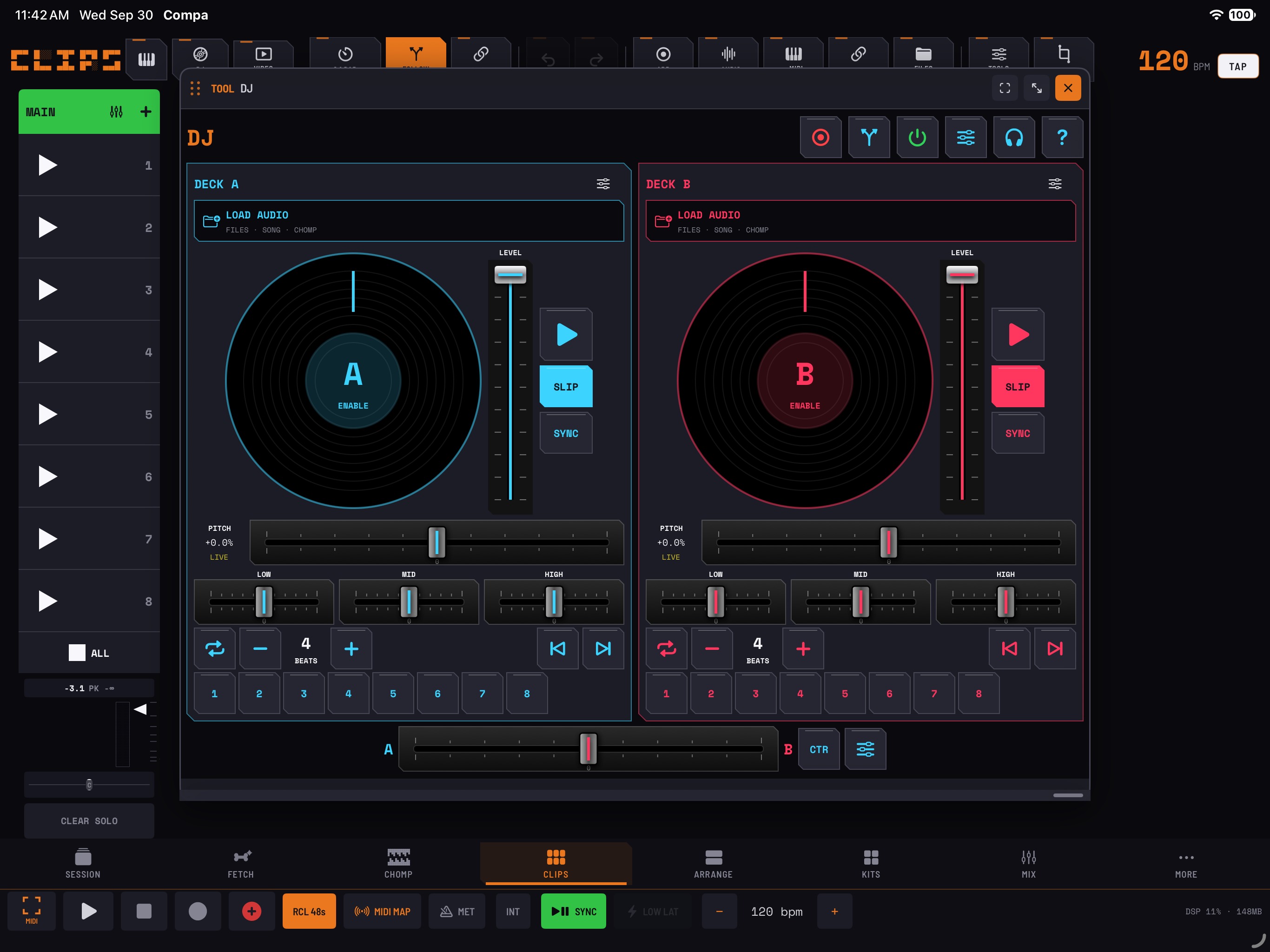
Deck A and Deck B can load Files, song clips or CHOMP samples. Scratch with the platters, set eight hot cues, find BPM and cue suggestions, loop, adjust pitch and channel levels, and shape the mix with EQ, filters and crossfader curves.
For a single CHOMP sample, Pad Scratch provides its own turntable, Cut, Brake, Echo Out and EQ. Record the performance to a new pad so the original remains available. Performance controls support MIDI mapping.
Meet RD303 — Raw Dog 303
RD303 is a bassline synthesizer included at no extra cost. It brings a 128-step sequencer, pattern library, pattern generation, modulation, stereo effects, and note/knob automation recording.
Play it natively inside COMPA or load the included RD303 AUv3 in another compatible music app. There is no subscription, separate unlock or in-app purchase for it. This announcement covers the version included with COMPA; releases for other platforms will have their own availability details.
Keep the rest of the session connected
Guided FETCH helps develop parts step by step. Scale-aware MIDI clip editing, CHOMP Live FX routing to its master or a bus, and the existing Quota Stems and Quota Kits workspaces give those parts somewhere to go.
Compatible MIDI devices can use ports, channels and sync without a built-in profile. Create custom cards, assign audio-interface returns, and save routes, controller mappings and bank settings with the Session. Instrument AUv3s that emit MIDI can participate in the routing. Notes, Clock and Start/Stop have separate controls.
The release also improves AUv3 host continuity, fresh CHOMP recording pitch and speed, resampling, pad clearing and Undo, Arrange imports, cloud-file progress, export saving, Session recall and compact layouts. The App Store release notes list the full changes.
October 5 update: two hotfixes are awaiting Apple review
The main 1.4 features are available now. Two follow-up fixes have been submitted:
- 1.4.1 — SP-404 MKII audio output: addresses crackling reported when using the SP-404 MKII as the output device while playing audio from Clips or the new DJ mode.
- CHOMP chromatic playback hotfix: addresses a click when playing a selected sample from the chromatic keyboard and triggering the next note before the previous one has ended.
Both are in Apple’s review queue as of October 5. They are not yet confirmed available from the App Store. I’m hoping for the next day or two, but Apple’s review timing determines when they can become available.
If you hit an issue, include the COMPA version, device, audio-output device and the steps that reproduce it when contacting support@getquota.app.
Get the update
Open COMPA’s App Store listing to update. For new owners, the US offer is $24.99 USD through October 14, 2026, then $39.99 USD beginning October 15, 2026. It is a one-time purchase. The desktop Quota products remain separate purchases.
The story behind the release
COMPA 1.4 — From the Sound You Hear to the Part You Play ↗
A companion piece from the Rare Data workshop.
Sources & useful links